Build pipeline
If I go to my Azure DevOps repo we’ll see the following:
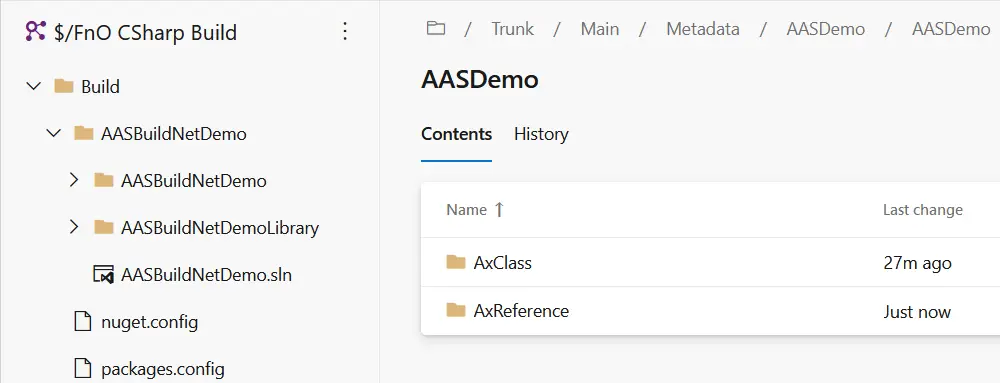
You can see I’ve checked-in the solution under the Build folder, as I said earlier this is my personal preference and I do that to keep the solutions I’ll use to build the code under control. In my build pipeline I make sure I’m using this solution to build the code:
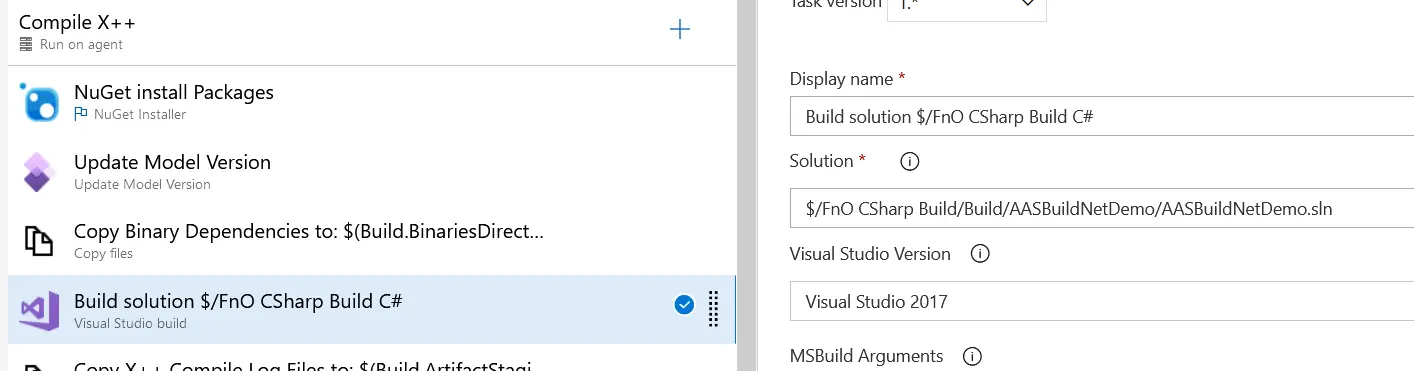
Run the pipeline and when it’s done you can check the build step and you’ll see a line that reads:
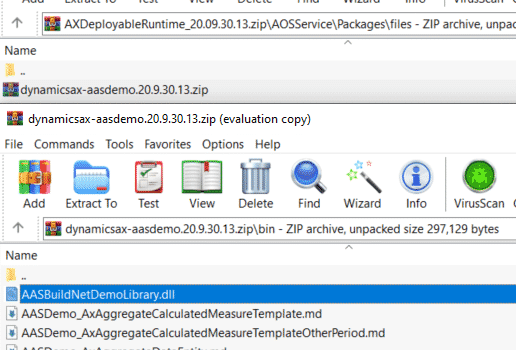
Copying file from "D:\a\9\s\Build\AASBuildNetDemo\AASBuildNetDemoLibrary\bin\Debug\AASBuildNetDemoLibrary.dll" to "D:\a\9\b\AASDemo\bin\AASBuildNetDemoLibrary.dll".And if you download the DP, unzip it, navigate to AOSService\Packages\files and unzip the file in there, then open the bin folder, you’ll see our library’s DLL there: