Releases
First step done, let’s see what can we do with the releases:
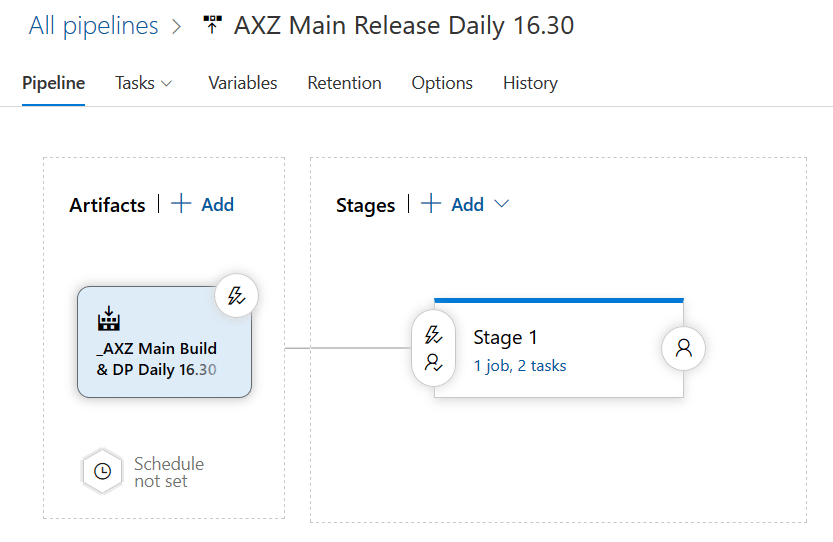
The release pipeline in the image above is the one that launches after the build I’ve created in the first step. For this pipeline I’ve added the following:

The continuous deployment trigger has been enabled, meaning that after the build finishes this release will be automatically run. No need to define a schedule but you could also do that.

As you can see, the schedule screen is exactly the same as in the builds, even the changed pipeline checkbox is there. You can use any of these two approaches, CD or scheduled release, it’s up to your project or team needs. With these two small steps you can have your full CI and CD strategy automatized and update a UAT environment each night to have all the changes done during that day ready for testing, with no human interaction!